AI UGC for Airbnb & Vacation Rental Listing Photos: What Hosts Can Generate and What Must Be Real
Short version: your Airbnb or Vrbo listing photos must be real photos of the place, edited only for light and color. Airbnb treats AI or digital edits that hide damage, add amenities or otherwise misrepresent a listing as a policy violation. Where AI UGC helps hosts and managers is off the listing. It is useful for Instagram and TikTok posts, ads for a direct-booking site, seasonal mood clips, and visuals for your guidebook and welcome messages.
4 min read
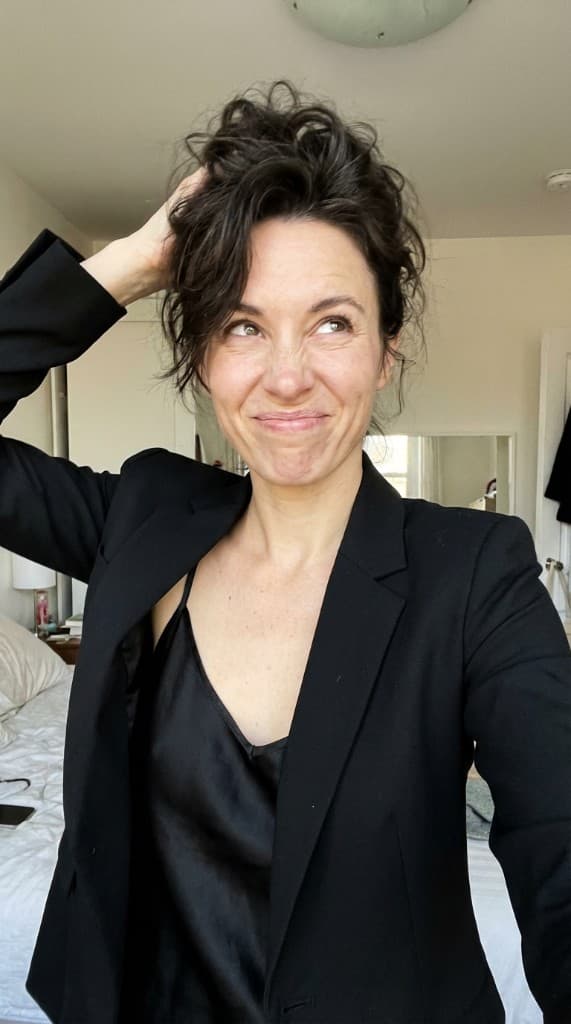
A rental guest arrives with your photos in their head. If the living room is smaller, the view is partly a parking lot or the hot tub is older than it looked, the review says so, and the next twenty guests read it. That is why the listing gallery is the one place where generated imagery costs more than it saves. Everything around the listing, the channels that bring people to it, is a different matter.
What Airbnb's rules say about photos
Airbnb's Ground Rules for Hosts require the listing to match what the guest gets, including space type and amenities, and treat content that misrepresents a listing or misleads guests as a violation. The terms make hosts responsible for keeping listing content, photos included, accurate and current. Airbnb's rules for experience and service hosts are more explicit. Airbnb will ask hosts to remove content where AI or other digital tools were used to edit out flaws, hide damage or add attributes that aren't there (Airbnb Help Center). Read that as the standard for homes too. Enforcement can range from a warning to removal of content, loss of Superhost status, or suspension. Other platforms have their own accuracy rules; check yours before editing anything.
| Edit | OK in listing photos? |
|---|---|
| Exposure, white balance, straightening verticals | Yes |
| Removing a car or a bin you will move before guests arrive | Gray area. Better to move it and reshoot |
| Removing stains, cracks, wear, construction next door | No. It hides condition |
| Replacing a gray sky with a blue one | No, if it changes how the view or the outdoor space reads |
| Adding furniture, a fire pit or a hot tub you don't have | No |
| Ultra-wide lens that makes rooms look bigger | Avoid. Airbnb's own host resources advise against it |
| Generated people relaxing in your real room | Keep it off the listing. Use it on social and ads |
Where generated imagery helps a host
Social posts and ads for direct bookings
If you run a direct-booking site or a small portfolio brand, you need a steady stream of Instagram and TikTok content, and an empty room is a weak post. Take a real photo of your deck or living room and generate versions with guests in it: a couple with coffee at 7am, a family back from the beach, friends playing cards. The room stays as photographed and only the people are added. Link the post to a page whose gallery is real. The Meta ads UGC workflow handles batches of variants, and AI Experts keep the same “guests” consistent across a campaign so it reads as one stay.
Seasonal mood content
A beach house needs to sell shoulder season, and a cabin needs to start selling winter in early fall. Short mood clips such as rain on the window with a blanket on the sofa, or steam rising off a mug, sell the season without making a claim about a specific room. The scenic mood clip workflow makes these for posting to a trending sound. For the listing itself, take one real photo each season. A real snowy deck beats a generated one, and it is a photo guests can trust.
Guidebook and welcome-message visuals
The questions that fill your inbox are about the lockbox, the parking spot, the hot tub cover, the trash day and the Wi-Fi. A clear visual for each step in the guidebook cuts those messages down. Use real photos for anything guests must physically find, such as the lockbox, the breaker panel or the parking space. Generated illustrations suit general content: a “local favorites” cover, a house-rules card, a checkout checklist.
Ads that show a price
If an ad or your booking site shows a nightly rate, the FTC's Rule on Unfair or Deceptive Fees, in effect since May 12, 2025, requires short-term lodging, vacation rentals included, to show the total price with mandatory fees such as cleaning fees (FTC FAQ). That applies whatever the image is.
What not to generate
- Guest reviews or testimonials. A generated guest quoting a five-star stay is a fake testimonial under the FTC's reviews and testimonials rule. Screenshot real reviews instead.
- Amenities in progress. “Hot tub coming this summer” rendered as if installed belongs nowhere until it is real.
- The view. Views drive price, so they are the most tempting thing to improve and the most damaging when wrong.
For property managers with many units
The real constraint across 20 or 50 units is getting a photographer to each one, not image generation. Spend on real listing photos per unit, and use generated content for the brand layer: the destination, the season, the kind of trip. Three or four brand campaigns a year can then point to whichever units are open. For the wider hospitality picture, including hotels and tour operators, see AI UGC for travel and hospitality.
A note for real estate agents: listing photos
Real estate listings have the same issue with higher stakes, because buyers act on condition and size. The NAR Code of Ethics requires REALTORS® to present a true picture in their advertising, and MLS rules commonly limit how listing photos can be altered. California went further. AB 723, in effect since January 1, 2026, requires licensees who use a digitally altered image to advertise a property for sale to say so near the image and give access to the unaltered original. Routine lighting and color adjustments are excluded. In practice:
- Virtual staging is common and accepted when it is labeled and shown next to the unstaged photo. Never use it to hide a defect or change the room's size or fixtures.
- Don't generate exteriors, lawns, skies or views for the listing.
- Generated imagery works for the agent's own marketing: neighborhood posts, “thinking of selling?” ads and market-update graphics, none of which depict a specific property.
Cost
ppl.studio is $1.99 per week, with 10 free photos to start and no credit card. Images are generated on your own Google Gemini API key and billed by Google, at $0.034 per 1K image at list price on the default Nano Banana 2.1 model. A month of social and ad variants for one property is a few dollars of generation. The listing photos are still worth paying a photographer for.
Make the social and ad content, keep the listing real
Start from your real property photos and generate people-in-scene ads, seasonal posts and guidebook visuals for your direct-booking channels.
Start free with ppl.studio10 free photos · no credit card required
Founder of ppl.studio. Building AI tools for product marketing teams who need visual content at scale without the production overhead.