AI UGC video from your product URL.No creator. No camera. No editor.
Paste an App Store, Shopify or landing-page URL. Creator UGC Video writes a script with its own line for each segment, puts your AI creator on camera and cuts a 9:16 video of 8–32 seconds with burned-in captions, in about 10 minutes. Clips cost about $0.10 a second on your own Gemini key, and the preview shows the exact price before any clip renders.
- ~10 min per video
- 1080×1920 · captions burned in
- Priced at the preview
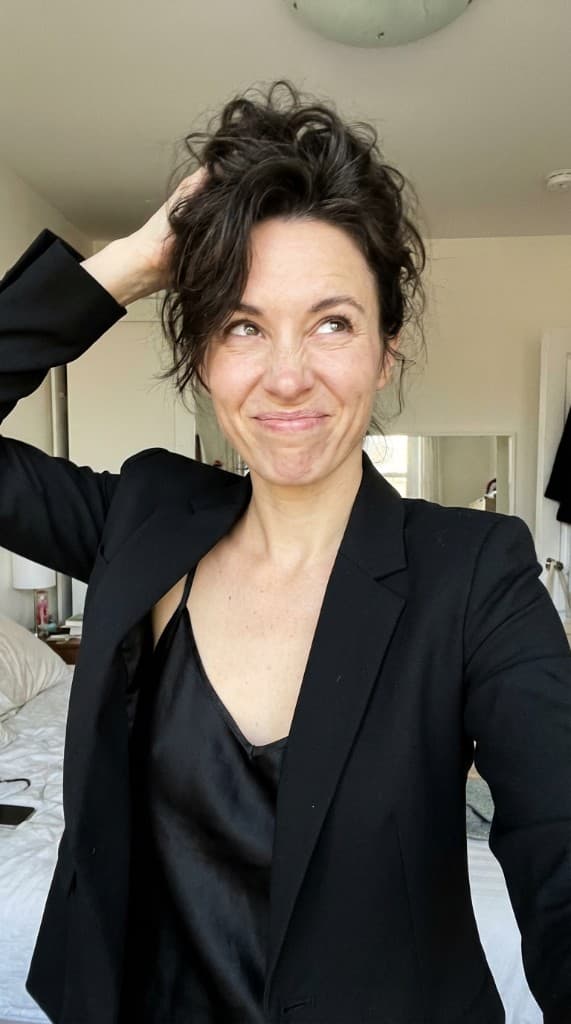
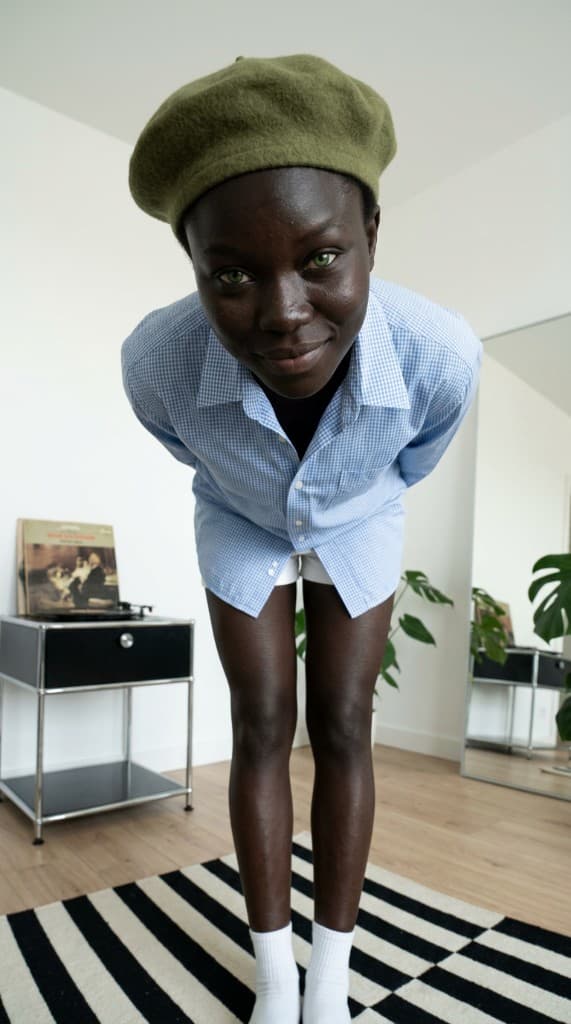
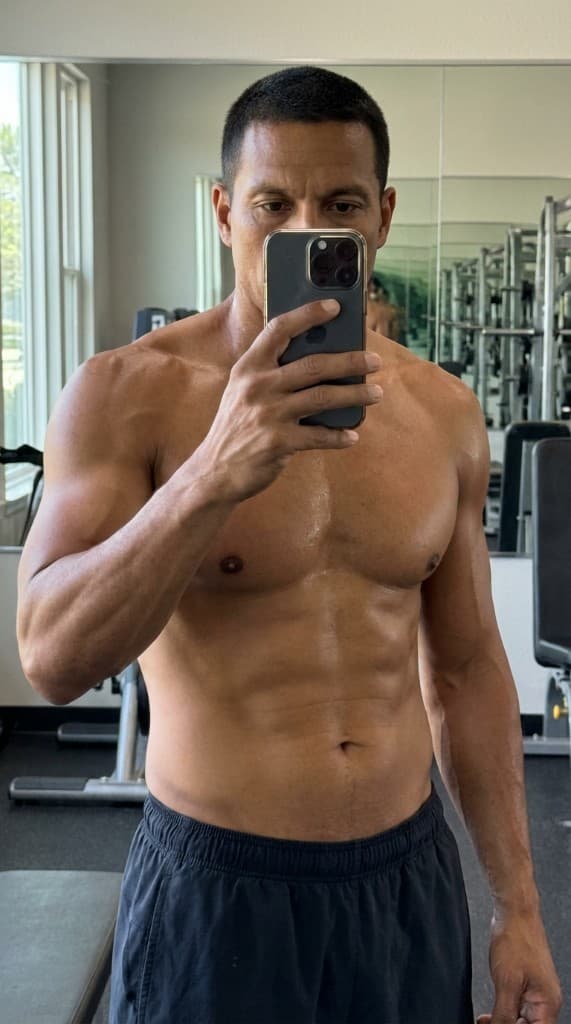
What this preset made
What you get
Format
9:16 MP4
1080 × 1920, H.264, 30 fps — posts to TikTok, Reels, Shorts as-is.
Length
8 — 32 seconds
Wisdom Bomb · Hook → B-Roll → Payoff · Full Viral · Story POV.
Captions
Burned-in
Per-segment word-by-word + kinetic hook overlay over the first 3 seconds.
Bonus
Raw clips
Per-segment MP4s saved separately for re-editing or cross-posting.
What a run does, and what it costs
- 1Brief· Full brief
- 2Creator· A creator
- 3Script· Talking script
- 4Frames· Creator frames
- 5Preview· You approve the frames and the price
- 6Clips· Video clips
- 7Final cut· Join
- 8Save· Gallery
About $0.84–$3.37 on your Gemini key: the clips are about $0.10 a second on Gemini Omni and each first frame about $0.04. The preview shows the exact price before a clip renders.
See it work for your niche
Vertical-specific guides with examples, hooks, and prompt templates. Each one drops you back into Creator UGC Video with the niche prefilled.
How it works
One brief in, one MP4 out. The 7 internal steps run autonomously once you confirm the plan — you only see Brief, Plan, Render, Post.
- Stage 01
Brief
Paste a product URL, describe what you're promoting in one sentence, or upload a screenshot. The faster path is the URL — the AI scrapes pricing, positioning, and visual cues automatically.
~ 10 seconds
- Stage 02
Plan
The workflow picks a persona from your library, chooses a viral format (Wisdom Bomb · Hook → B-Roll → Payoff · Full Viral · Story POV), writes a per-segment script, and composes a scene. You see the whole plan and can swap anything with one click.
~ ~30 seconds
- Stage 03
Render
First frames generate from the scene + persona reference. Gemini Omni animates each segment, with its spoken line, as a handheld phone selfie. ffmpeg chains the clips into one 9:16 MP4 and burns in per-segment captions and a kinetic hook overlay.
~ ~8–10 minutes
- Stage 04
Post
Download the MP4. The 9:16 cut works on TikTok, Instagram Reels, and YouTube Shorts as-is. Post the subtitled cut for sound-off viewers; native auto-captions are inconsistent.
~ 1 minute
See the 7 internal steps (for the curious)
- 01Pick your creator persona. Choose the persistent on-screen character your audience will recognize across every video. The persona's face, voice, accent, and tone-of-voice are reused across every clip downstream — consistency is what turns a series of TikToks into a brand.
- 02Choose the viral format. Pick the structural template that matches the message. Format determines how many 8-second segments the video has, what role each segment plays (hook · b-roll · body · CTA), and how the script generator splits your idea into a story arc.
- 03Niche + full per-segment script. Type a one-line niche ("home fitness for busy moms"), then generate 4 complete per-segment scripts. Each script is a different viral structure (Micro-Reveal · Pattern Break · Bold Claim · POV · Listicle · Question Loop · Forbidden Knowledge · Story Pivot · Stat Drop · Confession · Authority Flex · Relatable Rant) and includes — for every segment in your chosen format — a spoken line, a kinetic on-screen text overlay, a visual direction for Veo, and (for b-roll) a contextual visual prompt.
- 04First frames per segment. Generate or pick a first-frame image for each segment in the format. Talking segments use the persona's passport image as a face reference + the scene fields (pose, outfit, location, mood); b-roll segments use the per-segment b-roll prompt from Step 3 (no character on screen). Veo animates from these first frames in Step 5.
- 05Animate every segment with Veo 3.1. Veo animates each first frame into a 4–8-second clip sized to its line — different spoken line per segment, with per-segment camera direction (handheld phone-selfie wobble + push-in on hook, locked-off on body, dead-still on CTA, macro pan on b-roll). Hook segment opens at peak attention energy; CTA closes with the energy lift.
- 06Assemble + burn TikTok-style captions. Chain the segment clips into a single 9:16 MP4 and (optionally) burn in per-segment captions plus a kinetic hook overlay. The captions are timed to the speech — word-by-word for spoken segments, static kinetic text for b-roll cutaways, big bold hook overlay over the first 3 seconds of Segment 1.
- 07Save to library + post. Persist the finished video so it shows up in your gallery and can be downloaded, re-exported, or used in a future campaign. Download the subtitled MP4 and post it directly to TikTok, Reels, or Shorts — 9:16 works as-is on all three.
Why marketers pick this over the alternatives
Different tools, different jobs. Here's where Creator UGC Video wins — and where it doesn't.
Same avatar every video, teleprompter delivery, no per-segment script logic. Creator UGC Video uses personas you own and writes the hook, body, and CTA separately so each segment has its own energy.
Full comparison →
Captions edits video you already filmed. Creator UGC Video generates the video from scratch — no camera, no creator, no footage needed.
Full comparison →
MakeUGC is a creator marketplace with AI overlays. Here you skip the marketplace entirely — the persona, script, and render all happen inside the same flow in under 10 minutes.
Full comparison →
$80–$300 per video plus a 5–10 day turnaround. A 24-second Creator UGC Video is about $2.42 of clips on your own Gemini key and takes about 10 minutes. Use real creators for the hero campaign; use this for the daily drip.
Full comparison →
Frequently asked
The questions marketers ask before they hit Make my video.
How is Creator UGC Video different from HeyGen, Synthesia, or MakeUGC?
HeyGen and Synthesia are avatar tools — same face, every video, robotic delivery, no script logic. MakeUGC is a creator marketplace with AI overlays. Creator UGC Video is a full pipeline: it writes a per-segment viral script from your product URL, generates first frames from a persona you own (not a stock avatar), and animates each segment separately with Veo 3.1 — so the hook, body, and CTA each have their own line and energy. The result reads like a real creator video, not a teleprompter read. Most output is indistinguishable from human UGC after one pass.
Can I use this for TikTok ads, Instagram Reels, and YouTube Shorts?
Yes — same 9:16 MP4 works on all three. The output is 1080×1920 with TikTok-style burned-in captions (white-with-green-outline kinetic text) and a hook overlay on the first 3 seconds. Post the subtitled cut directly; no re-export needed. Many users post the same video to all three platforms and let each algorithm decide who watches.
How is this different from passing one catchphrase to every clip?
The whole workflow is built around per-segment scripts. Most AI UGC pipelines repeat the same 22-word line across 24–32 seconds — unwatchable. Here Segment 1 (hook) gets a pattern interrupt, Segment 2 (b-roll) gets a contextual visual + optional VO, Segment 3 (body) delivers the insight, and Segment 4 (CTA) closes in character. Each segment's Veo prompt receives only its own dialogue, so the persona never repeats itself.
Can I use my own face instead of an AI persona?
Not yet — Veo's lip-sync for arbitrary user-uploaded faces is still flaky. The current pipeline uses ppl.studio personas (AI experts) because their reference images are passport-style and consistently lip-sync clean. Voice cloning + real face is on the roadmap; until then, generate 3 personas and pick the one whose voice you can write for.
What's the maximum video length?
~32 seconds. Veo 3.1 caps clips at 8 seconds, and the longest format (Full Viral or Story POV) chains 4 segments. For longer narrated content, this workflow isn't the right fit — use Animate directly with a single longer prompt instead.
Do I need a different persona for each video?
No — the opposite. The whole point of Creator UGC Video is reuse. Pick one persona and run this workflow 30+ times to build a recognizable face. Variety comes from scripts and scenes, not faces. The algorithm rewards consistency.
What does each video cost?
The clips render on your own Gemini key at about $0.10 a second (Google's list price for Gemini Omni), so a one-segment Wisdom Bomb of 8 seconds is about $0.81 and a four-segment Full Viral of 32 seconds about $3.23, plus a few cents of first frames. The preview shows the exact price before any clip renders, and a failed render isn't charged.
Why per-segment captions instead of one block of text?
Two reasons. First, sound-off viewers (~85% of feeds on first impression) need to read the actual spoken line in the right 8-second window — distributing one phrase evenly across the whole video puts the hook's words during the b-roll, which kills retention. Second, the kinetic hook overlay (the bold 2–5 word text on Segment 1) is the single biggest stop-the-scroll signal on TikTok, and it needs to be timed to the hook segment only.
Can I edit the script after generation?
Yes — per-segment. The chosen script is editable until you generate clips. You can rewrite individual spoken lines, on-screen text overlays, or b-roll visual prompts; each downstream step picks up the latest version. Once Veo renders a segment, that segment's script is baked into the clip — re-render the affected segment if you change wording.
Does this comply with ad platform policy (Meta, TikTok)?
Yes for Meta — the AI-generated content disclosure is standard across the platform now and ppl.studio output renders cleanly. TikTok's AI-generated content label is required for synthetic media depicting people, including AI personas; tick that box at upload. The kinetic captions and hook structure are TikTok-native by design.
Stop watching other people's UGC. Make yours.
~10 minutes from URL to TikTok-ready MP4. Free to try.
Or start from the dashboard if you already have an account.