TikTok Shop Product Photos With AI: What Goes in the Listing, the Video and the Ad
To use AI for TikTok Shop product photos, keep the listing's main image a clean, real photo of the product, then use AI for what TikTok runs on: lifestyle gallery shots, shoppable video b-roll, LIVE promos and ad variations that look like they came from a phone. The caveats that matter are TikTok's AI-content label for realistic images and video, and never passing an AI person off as a real customer.
5 min read
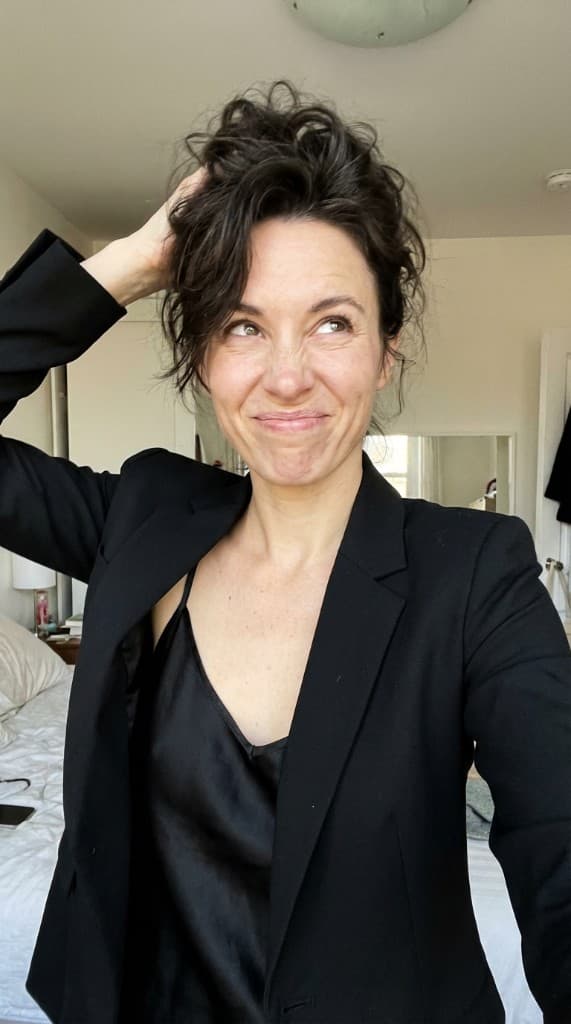
TikTok Shop has two different jobs for images. The product listing is a catalog page: shoppers who tapped through want to see exactly what arrives. The feed, the video and the ad are where the product competes with entertainment, and that is where a casual, shot-on-a-phone look earns attention. Treat them separately and most of the confusion about AI on TikTok Shop goes away.
What TikTok Shop asks for in listing images
TikTok's seller guidance on product listings recommends at least five high-quality images, a white or neutral background, a resolution above 600 × 600 pixels, and a main image that shows the product without watermarks or promotional text. Mosaics and duplicate images of the same angle make a listing look padded. Seller Center flags images it rejects at upload, and the requirements are revised from time to time, so check Seller Center before you redo a catalog.
Practically, that means your main image should be your real product photo with a clean background, square, exported large. AI-generated scenes go in the following slots. The TikTok Shop platform page has the export settings.
A gallery shot list that works
| Slot | What it shows | Real photo or AI |
|---|---|---|
| 1 | The product alone, clean background, front view | Real photo |
| 2 | The product in use where it is actually used (bathroom shelf, gym bag, desk) | AI scene from your product photo |
| 3 | Scale: the product in a hand or next to a familiar object | Real photo or carefully checked AI |
| 4 | Detail: texture, finish, label, what is in the box | Real photo |
| 5 | A second context or a different person, showing who it is for | AI scene |
| 6+ | Variants (colors, sizes) you actually stock | Real photos of each variant |
Scale shots are where AI most often lies by accident: a generated hand can make a compact product look bigger or smaller than it is. If size drives returns in your category, photograph that one.
Shoppable video: where the AI look pays off
TikTok Shop is built around shoppable video and LIVE, and video is the most expensive asset to produce, so this is where AI saves sellers the most time. Three formats that fit AI production honestly:
- Hands-and-product demo. Pouring, applying, unfolding, clicking together, with captions that state what the product does. No face, no claim that anyone is a customer. The Product Demo Video workflow makes 15–30 second versions.
- Routine or setting video. A morning routine, a desk setup, a gym bag pack where the product is one step. Works well for beauty, supplements and accessories. See TikTok and Reels short-form.
- Brand presenter. An AI Expert as your shop's recurring host, explaining features or announcing a deal, animated from a photo with Animate. A host speaking for the brand is fine. A host saying “I bought this and it fixed my skin” is a fabricated testimonial.
That last point is legal, not stylistic. The FTC's 2024 rule bans reviews and testimonials that misrepresent that they come from someone who does not exist, including AI-generated ones (FTC). The popular “I found this on TikTok Shop” format is a customer-voice format; write it as the brand speaking, or get it from real customers and affiliates.
Label realistic AI content
TikTok's community guidelines require creators to label AI-generated content that contains realistic images, audio or video. A photorealistic AI person in your video falls under that. Switch on the AI-generated content setting when you post; TikTok may also apply its own label automatically. Product listing images are a separate surface, and the accuracy rule above already keeps AI out of the main image.
Affiliate content kits
Affiliates are the other half of TikTok Shop. Many will post better if you hand them material: a folder of styled product shots in 9:16 and 1:1, clean b-roll of the product in use, and the exact claims they may and may not make. AI makes that kit cheap to produce for every SKU.
Two rules for the kit. Affiliates still need to disclose that they are paid or gifted, using TikTok's commercial content disclosure. And the kit is b-roll, not a script for a fake reaction; an affiliate's own face and honest use of the product is the reason affiliate content converts. More on structuring this in AI UGC for affiliate marketing.
LIVE shopping and promo images
Before a LIVE, post a teaser image or short clip: the products on a table, the host persona, the time. After it, a recap post with the products that sold. These are announcements, not product claims, so AI fits them well. Keep deal amounts in captions or on-screen text you control, so you can correct a price without regenerating images.
TikTok Shop ads
For paid placements, the job is variation: several openings, settings and people for the same product so the delivery system has something to choose between. Generate a set, launch them in one ad group, and replace the weakest ones with new variations of what is working. Meta and TikTok creative strategy is covered in AI UGC across ad platforms, and the same labeling rule applies to realistic AI people in ads.
A one-product starting set
- One real main image and two real detail shots.
- Three AI lifestyle scenes for the gallery, checked against the product for label text, color and size.
- One 15–20 second hands-and-product demo video.
- One host video announcing the product, labeled as AI-generated when posted.
- An affiliate kit: six styled images in 9:16 and 1:1, plus the demo clip.
On ppl.studio this runs on your own Gemini key at Google's per-image price, plus $1.99 a week. For the still images, the Product UGC Photos workflow is the fastest starting point.
Frequently asked questions
Can the first image of a TikTok Shop listing be a lifestyle photo?
TikTok's seller guidance asks for a main image that shows the product clearly on a white or neutral background without watermarks or promotional text. Put lifestyle and AI scenes in the later gallery slots and in your videos, where the feed-native look matters most.
Do AI images on TikTok need a label?
TikTok's community guidelines require creators to label AI-generated content that shows realistic images, audio or video. Use the AI-generated content toggle when you post realistic AI photos or videos. Product listing images should be accurate photos of the product in any case.
Can I give AI images to TikTok Shop affiliates?
Yes, as a content kit of styled product images and b-roll. Affiliates still have to disclose the commercial relationship, and they should not post an AI person's reaction as their own review. Their own real use of the product is what makes affiliate content work.
How many images should a TikTok Shop listing have?
TikTok's seller guidance recommends at least five high-quality images. Use them for distinct views: the clean main image, real detail and scale shots, and two or three lifestyle scenes that show where the product is used.
Make TikTok Shop gallery shots and videos
Upload your product once and generate phone-style lifestyle shots, product demos and short videos around it. 10 free photos to start.
Start free with ppl.studio10 free photos · no credit card required
Founder of ppl.studio. Building AI tools for product marketing teams who need visual content at scale without the production overhead.