How to A/B Test AI UGC Ad Creative: A Performance Marketer's Framework
The biggest advantage of AI UGC isn't cost savings—it's the ability to test at a volume that's impossible with traditional content production. Here's how to turn that volume into winning ad creative.
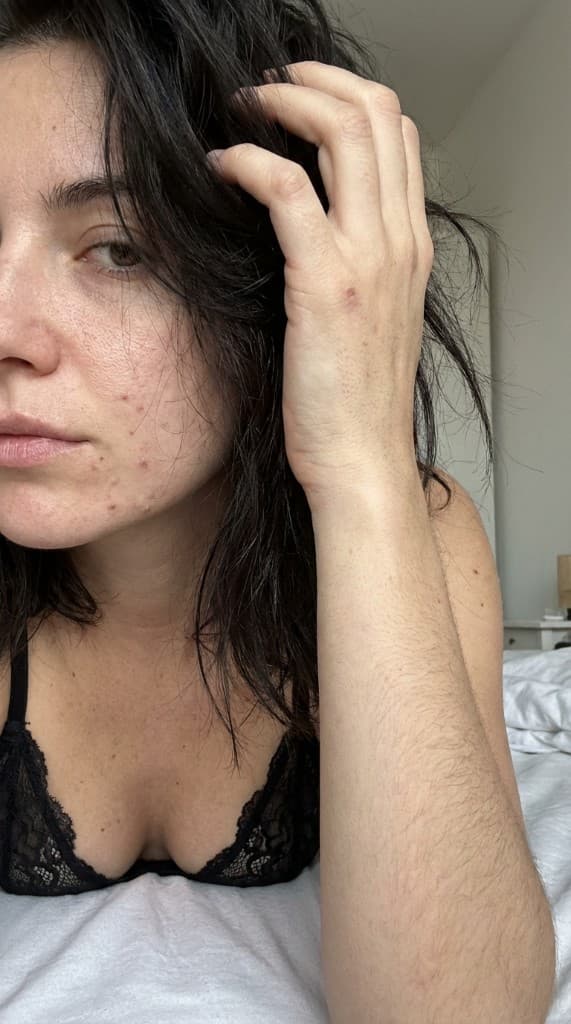
Most brands test 3–5 ad creative variations per campaign. That's not A/B testing—it's guessing. Real creative testing requires volume: 20–50+ variations that systematically isolate variables. AI UGC makes this possible for the first time at any budget.
Why Creative Testing Matters More Than Audience Testing
Platform algorithms (Meta Advantage+, TikTok Smart Performance) have largely automated audience targeting. The last remaining lever for advertisers is creative. Research from Meta shows that creative accounts for 56% of auction outcomes. Yet most brands spend 80% of their optimization time on audiences and budgets.
The math is simple: if you test 5 creatives, you might find a good one. If you test 50, you'll find a great one. And if your great creative outperforms your good creative by even 30%, that compounds across your entire ad spend. At $10K/month in spend, a 30% ROAS improvement means $3K more in revenue—every month.
The Creative Testing Framework
Step 1: Define your testing variables
AI UGC lets you isolate and test specific creative variables. The key variables to test:
| Variable | What you're testing | How AI UGC helps |
|---|---|---|
| Expert (person) | Which face/demographic resonates | Generate same scene with different AI experts |
| Scene/environment | Where the product is shown | Same expert + product, different settings |
| Product placement | How product appears in frame | Held, on surface, in use, in background |
| Style/aesthetic | Visual treatment and mood | Different photo presets per generation |
| Format | Static vs. carousel vs. video | Storyboards for carousel, Animate for video |
Rule: Only change one variable per test. If you change the expert AND the scene, you won't know which variable drove the performance difference.
Step 2: Structure your test batches
For each test, generate a batch of variations using your AI experts and props library:
- Expert test: Same product, same scene, 4–6 different AI experts. → Which persona resonates?
- Scene test: Same expert, same product, 5–8 different environments. → Which context converts?
- Style test: Same expert and scene, 3–4 different visual styles (candid, professional, golden hour). → Which aesthetic drives clicks?
- Format test: Best-performing photo as single image vs. carousel (via storyboard) vs. video (via Animate). → Which format delivers best ROAS?
Step 3: Set clear decision criteria
Before launching any test, define:
- Primary metric — CPA for conversion campaigns, CTR for traffic, hook rate for video.
- Minimum data threshold — 2,000–3,000 impressions per variation before making decisions. Below this, results aren't statistically reliable.
- Kill threshold — If a variation is 30%+ worse than the best performer after reaching minimum impressions, kill it and reallocate budget.
- Scale threshold — If a variation is 20%+ better than your account average, scale it with increased budget.
Step 4: Run and iterate weekly
The testing cycle should be weekly:
- Monday: Review previous week's results. Kill losers, note winners.
- Tuesday: Generate new AI UGC variations based on learnings (10–15 new images, takes ~30 minutes).
- Wednesday: Launch new ad sets with fresh creative.
- Thursday–Sunday: Let ads run and collect data. Monitor for early signals.
At this cadence, you test 40–60 creative variations per month. In 3 months, you've tested 120–180 variations and built a deep understanding of what works for your audience.
What Winners Look Like: Patterns from High-Volume Testing
After testing hundreds of AI UGC variations, consistent patterns emerge:
- Expert match matters. Ads where the AI expert matches the target demographic outperform mismatches by 25–40%. A 30-year-old woman sells skincare to 25–35 year-olds better than the same product with a 50-year-old expert.
- Candid beats polished. Feed-native, casual-looking photos outperform studio-quality shots by 15–30% on thumb-stop rate. Social feeds reward authenticity.
- Product-in-hand outperforms product-on-surface. People interacting with products see 20%+ higher engagement than products placed on tables or shelves.
- Scene freshness prevents fatigue. Rotating scenes weekly extends creative lifespan by 2–3x compared to running the same scene for a month.
- Video wins on CPM, static wins on CPA. Test both. Use Animate for top-of-funnel awareness (lower CPM), static AI UGC for bottom-of-funnel conversion (better CPA).
Common Mistakes in Creative Testing
- Testing too many variables at once. Changing the expert, scene, and copy simultaneously tells you nothing. Isolate one variable per test.
- Killing too early. 500 impressions isn't enough data. Wait for 2,000–3,000 per variation before deciding.
- Not documenting learnings. Keep a spreadsheet: which expert, which scene, which product, what metric. After 10 test cycles, the patterns become your creative brief.
- Only testing on one platform. Winners on Meta don't always win on TikTok. Test the same AI UGC variations across platforms to find platform-specific winners.
- Giving up after one round. Creative testing compounds. Round 5 produces better results than round 1 because you're building on learnings. Commit to at least 8 weeks.
Testing by the Numbers
- Creative accounts for 56% of ad auction outcomes (Meta).
- Brands testing 50+ creative variations/month see 2–3x ROAS improvement over those testing 5–10.
- Generating a full test batch of 15 AI UGC variations takes under 30 minutes with ppl.studio.
- The average winning creative from high-volume testing outperforms account averages by 30–60%.
Frequently Asked Questions
How many impressions do you need to A/B test ad creative?
A minimum of 2,000–3,000 impressions per variation before drawing conclusions. Below this threshold, results are dominated by statistical noise rather than real signal. For conversion-focused campaigns, you also want to see at least 20–30 conversion events per variation before declaring a winner—which may require more impressions depending on your conversion rate. If your daily budget is tight, run fewer variations in parallel so each gets enough data to reach statistical significance within a week.
Should you test one variable at a time or use multivariate testing?
One variable at a time for most teams. Changing the expert AND the scene AND the copy simultaneously tells you nothing about what actually caused the performance difference. Use Meta's Dynamic Creative or TikTok's Smart Creative for automated multivariate testing—these systems are designed for it and have the scale to reach statistical significance faster than most accounts can manually. For manual testing, isolate the variable and control everything else.
How long should you run a creative A/B test?
Run each test for at least 7 days, regardless of impressions. Ad performance varies by day of week, and a variation that looks weak on Tuesday may perform differently on Saturday. Seven days captures a full weekly cycle. Beyond 14 days without a clear winner, either the difference is too small to be meaningful or you need more spend behind the test to generate enough data. Kill losers at 7–10 days; scale winners immediately.
What's the right primary metric for testing AI UGC creative?
For conversion campaigns: CPA and ROAS are the ultimate metrics, but they require enough conversion volume to be statistically meaningful. Use CTR and hook rate as leading indicators while conversion data accumulates. For video ads, hook rate (percent of viewers past the first 3 seconds) and 75% completion rate are strong proxies for creative quality. Set your kill threshold at 30% worse than your account average on the primary metric after reaching minimum impressions.
Test creative at the volume that finds real winners
Create AI experts, upload your products, and generate dozens of test variations in minutes. Stop guessing—start testing.
Start free with ppl.studio10 free photos · no credit card required
Founder of ppl.studio. Building AI tools for product marketing teams who need visual content at scale without the production overhead.